
Please view and complete these instructions to add / edit the address on file for the Task Troopers Free Laptop Program!
Visit login.tasktroopers.org and sign in or create an account. Your account email must match the email you used for your laptop request, which is the email where you are reading this message. If you already have a Task Troopers Mobile App account, you can sign in with those same credentials.

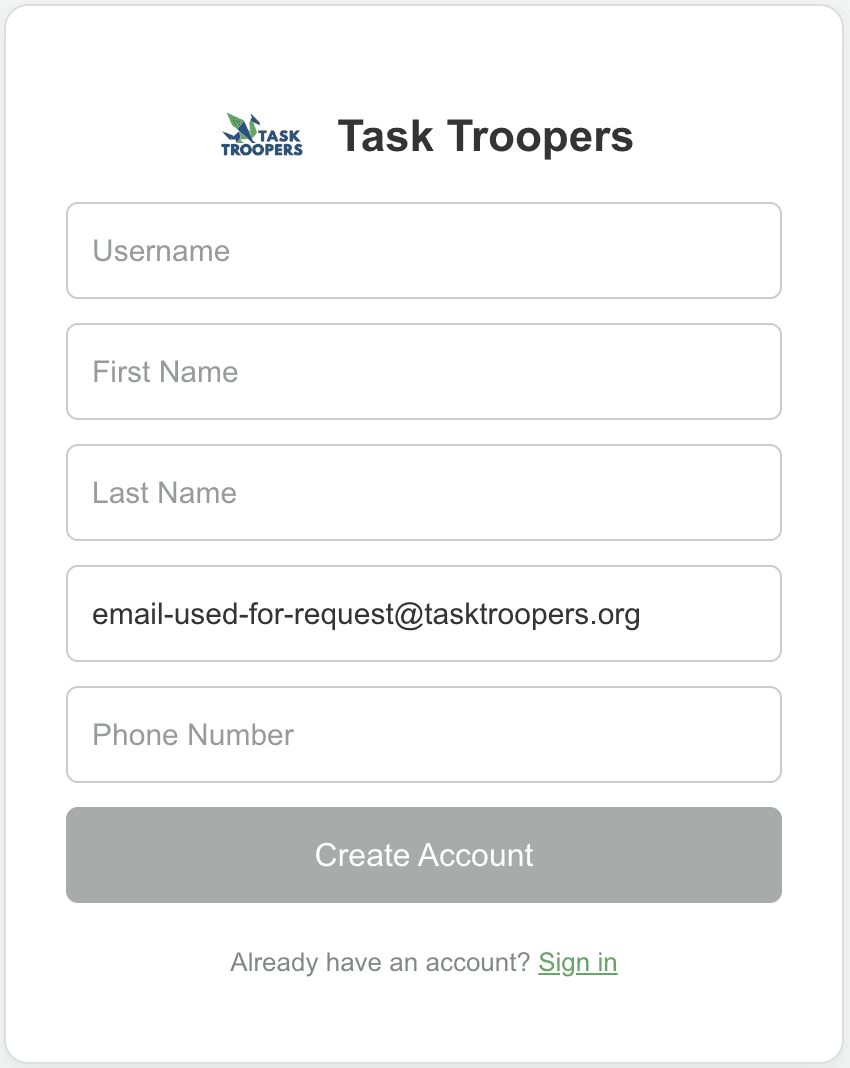
After signing in, go to the Laptop Dashboard and check whether an address is listed on your profile. If you already have a valid home address on file (not a school address), skip to step 5. Otherwise, continue to step 3.
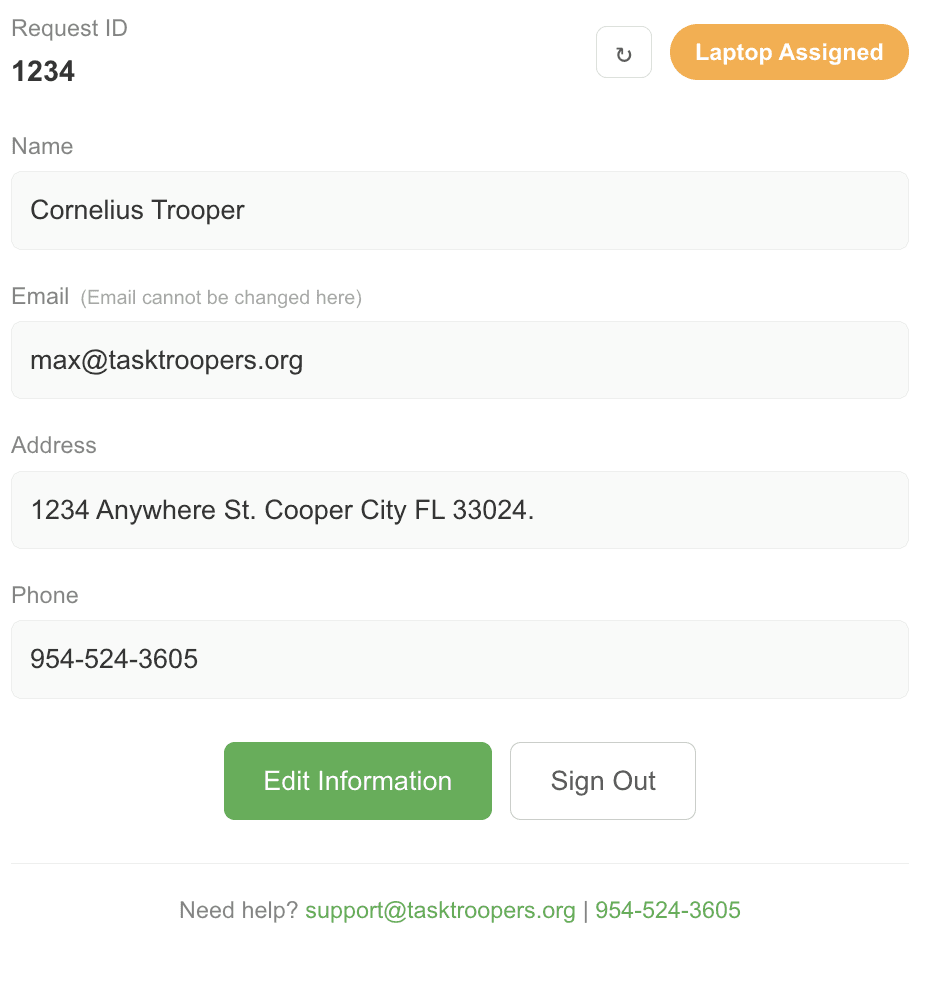
Click "Edit Information" at the bottom of the screen and add an address. This should be a location where you can receive the device on a weekend. Please do not use a school address.
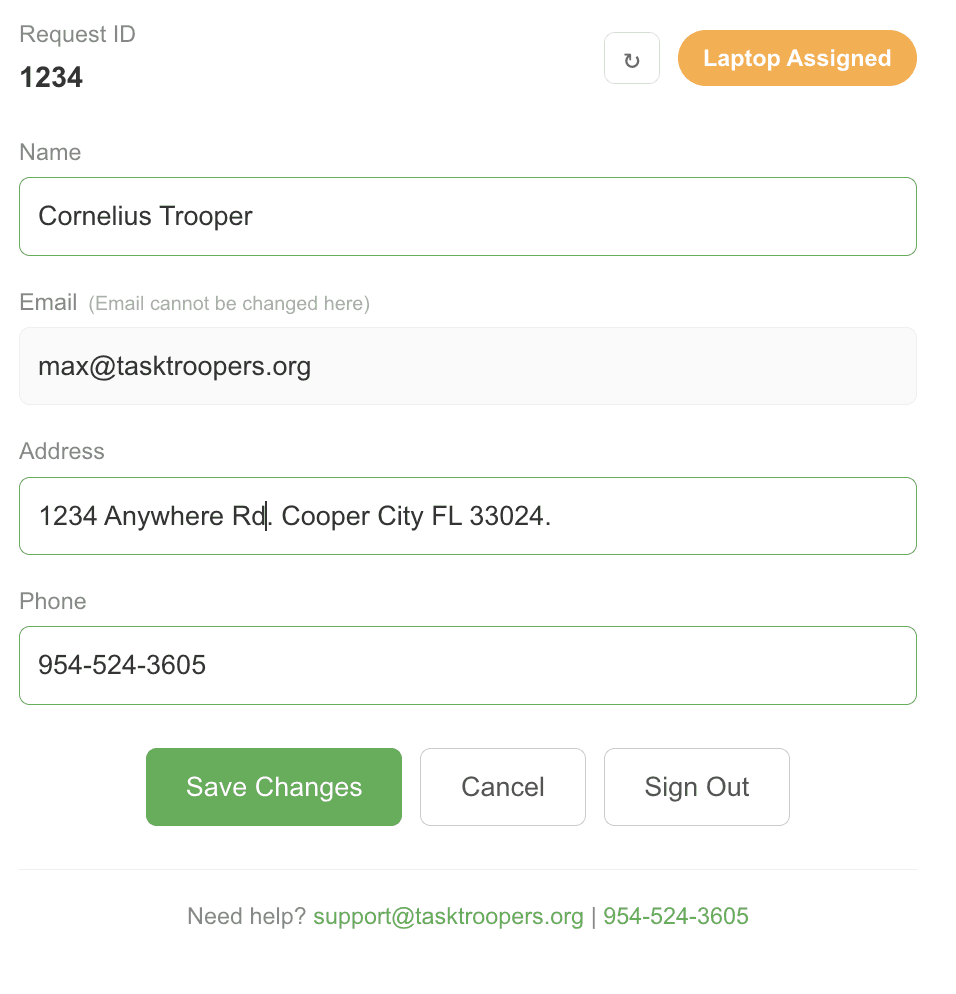
Click "Save Changes" and confirm your updated information.
You are all set. No further action is needed, and you can await delivery instructions.
If you have any questions or run into any issues, reply to this email or call 954-524-3605.
Similar Posts
Explore more from the Trooper Times, the Task Troopers Blog.


